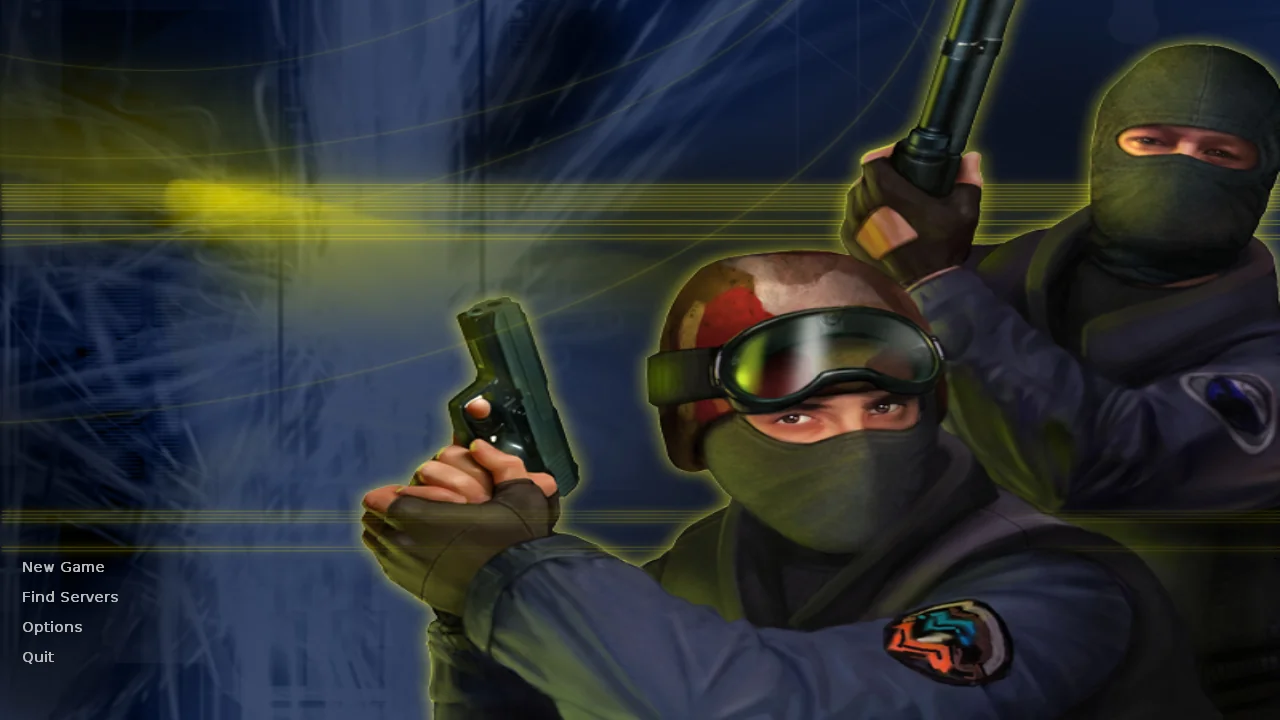
Counter-Strike 1.6 runs on almost any computer and still fills servers every night. Here you'll find the clean build in English and Romanian, a lightweight version for low-end PCs and one tuned for matches. Every build installs through the launcher, and its page shows the size and SHA-256 sum so you can verify the file before you run it.
System requirements
System
Windows XP, 7, 8, 10, 11
Processor
500 MHz
Memory
96 MB RAM
Graphics
16 MB, OpenGL or Direct3D
Disk space
200 to 700 MB, depending on the build
About the game
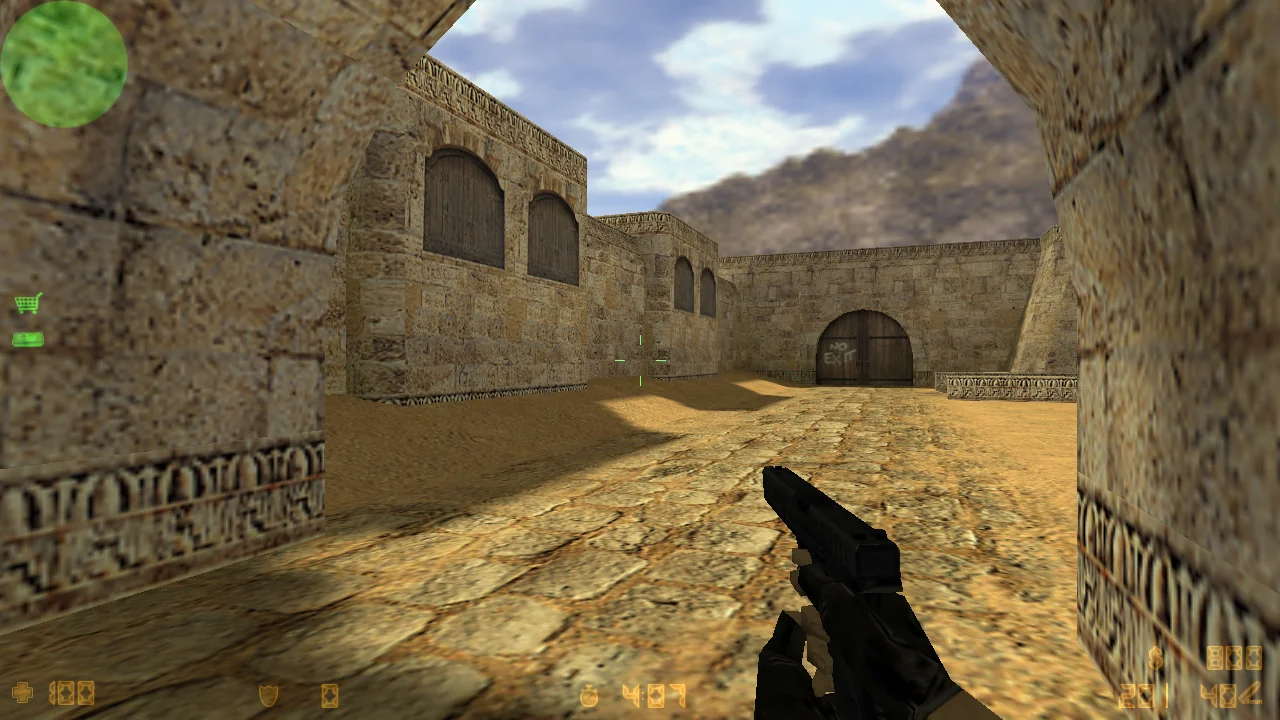
Two teams, terrorists and counter-terrorists, play short rounds: plant or defuse the bomb, rescue the hostages or eliminate the other team. The money you earn in a round buys weapons for the next one. The classic maps are de_dust2, de_inferno, de_nuke and cs_assault.
Terrorists plant the C4, counter-terrorists defuse it
de_
Hostage
Counter-terrorists get the hostages out of the base
cs_
Zombie
One player turns into a zombie and infects the others
zm_
Surf
You glide down angled ramps to the finish
surf_
Deathrun
One terrorist triggers traps, the rest try to get through
deathrun_
JailBreak
Guards lead the prisoners through games and orders
jail_
AWP / AIM
Short duels on small maps with a single weapon
awp_aim_
CS 1.6 servers
The list comes from our MasterServer
Server list: coming soonServers appear here once the MasterServer goes live. Until then we show no sample servers.
Server
Mode
Map
Players
IP (click to copy)
Connect
CS 1.6 server promotion
More players on your server, from day one
Add your server for free
Your server will appear in the list on the site. With a promotion package it climbs to the top of the list. Packages and prices will be announced at launch.
Form inactive Adding servers isn't available yet and the form doesn't send anything anywhere. Package prices aren't set yet.
Frequently asked questions
Which build should I download?
To start, the clean build 8684: it changes nothing in the game. Pick the low-end PC build if you have under 2 GB RAM, or the Pro config version if you want match-ready settings out of the box.
How do I install CS 1.6?
Download a single build and check the SHA-256 sum on its page.
Run the installer and pick a folder outside Program Files, for example C:\Games\CS16.
Start the game, open the console with ~ and set rate 100000.
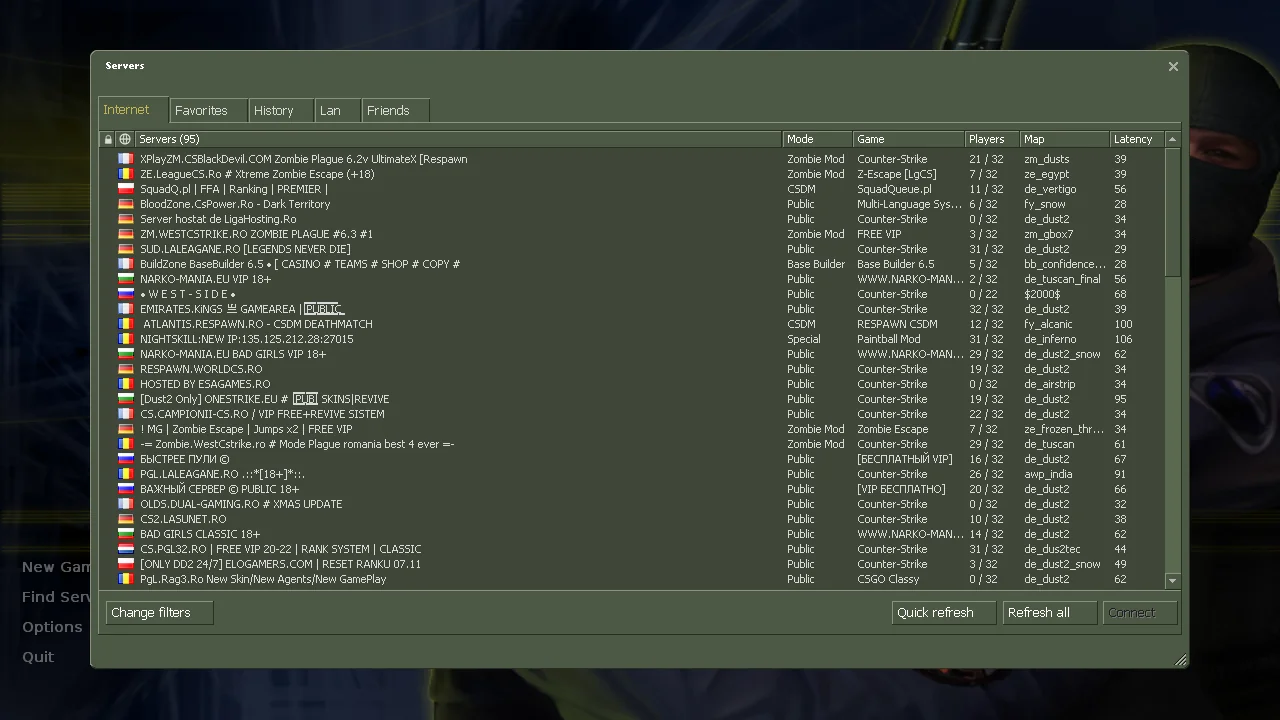
Join a server from the in-game list or type connect ip:27015.
My antivirus blocked the installer. What do I do?
Compare the file's SHA-256 sum with the one on the build's page. If they differ, delete the file and download it again. If you want to be completely safe, you can buy the game on Steam.
How will server promotion work?
Your server will be shown higher in the list on the site, depending on the package. The result depends on the mode, the map and how stable the server is. Package details are confirmed at launch.
Can I get a VAC ban?
VAC is Valve's anti-cheat, which runs only on Valve-secured servers. The builds here include no cheats. We can't guarantee how a third-party server treats a modified client, though; read the rules of the server you join.
Can a server be banned?
Yes. Since kit version 8684.3 the game refuses servers that CSB has banned, and banned servers no longer appear in the server lists. If you run a server and think a ban is a mistake, you can appeal at counter-strike-boost.com/bans/<id> (the ban id from the message). The full public list of banned servers is at counter-strike-boost.com/bans.
Windows says "Windows protected your PC". Is the launcher safe?
On first run Windows may show "Windows protected your PC". This appears for new programs without a digital signature, not because the file is a virus. Click More info, then Run anyway.
To verify the file, run in PowerShell Get-FileHash "$env:USERPROFILE\Downloads\CSBLauncher*.exe" and compare the result with the SHA-256 on the page. Launcher v0.4.9 SHA-256: 5d5ec6f07d00469a8e7880cddb5d4d03756bc5878c7d53fe7367d58e4d3a0396.
The game files and launcher updates are verified against our signatures before they reach the disk.
Launcher didn't open? Download it; on first run it installs itself and then installs the build you picked.